


InfluxDB 3 Core 官方镜像为 influxdb:3-core,默认 HTTP 端口为 8181(区别于 2.x 的 8086),无内置 Web 管理 UI,通过 influxdb3 serve 命令启动,支持内存、本地文件、S3 兼容对象存储三种存储后端。
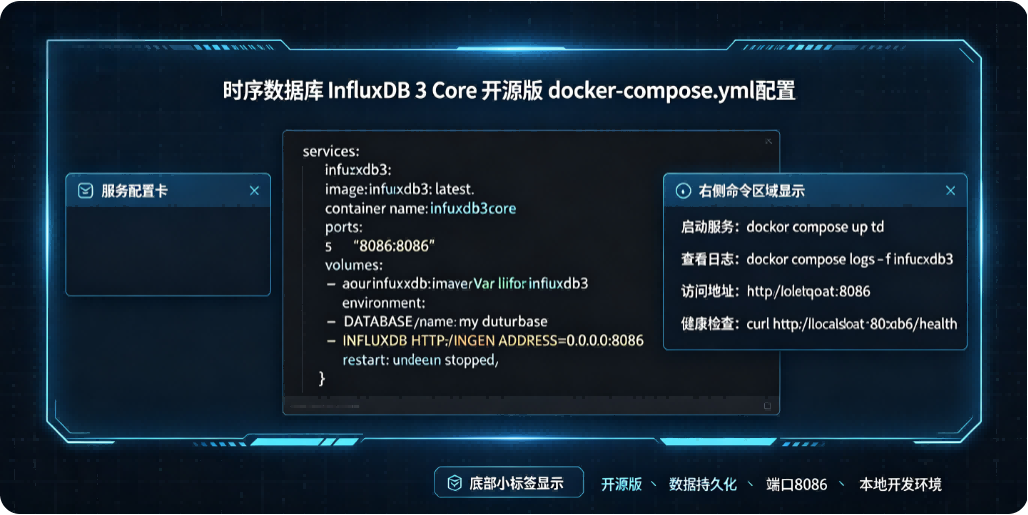
1. 最简测试版(内存模式)
仅用于快速验证,数据随容器销毁丢失,无需挂载卷。
services:
  influxdb3:
    image: influxdb:3-core
    container_name: influxdb3-core
    ports:
      - "8181:8181"
    command:
      - influxdb3
      - serve
      - --node-id=node0
      - --object-store=memory
    restart: unless-stopped
2. 本地持久化版(生产推荐)
使用本地文件存储数据,容器重启数据不丢失,是最常用的单机部署方案。
services:
  influxdb3:
    image: influxdb:3-core
    container_name: influxdb3-core
    ports:
      - "8181:8181"
    command:
      - influxdb3
      - serve
      - --node-id=node0
      - --object-store=file
      - --data-dir=/var/lib/influxdb3/data
      - --plugin-dir=/var/lib/influxdb3/plugins
    volumes:
      - ./influxdb3/data:/var/lib/influxdb3/data
      - ./influxdb3/plugins:/var/lib/influxdb3/plugins
    restart: unless-stopped
权限说明:容器内运行用户 UID/GID 为 1500,启动前建议执行
mkdir -p ./influxdb3/{data,plugins} && chown -R 1500:1500 ./influxdb3避免权限报错。
3. 完整生产配置版
含健康检查、环境变量优化、日志级别配置,适合正式环境使用。
services:
  influxdb3:
    image: influxdb:3.4.2-core  # 建议固定具体版本号
    container_name: influxdb3-core
    ports:
      - "8181:8181"
    environment:
      - RUST_LOG=info  # 日志级别:debug/info/warn/error
      - AWS_EC2_METADATA_DISABLED=true  # 禁用EC2元数据查询,加快启动
    command:
      - influxdb3
      - serve
      - --node-id=node0
      - --object-store=file
      - --data-dir=/var/lib/influxdb3/data
      - --plugin-dir=/var/lib/influxdb3/plugins
      - --max-http-request-size=10485760  # 单请求最大10MB
    volumes:
      - influxdb3_data:/var/lib/influxdb3/data
      - influxdb3_plugins:/var/lib/influxdb3/plugins
    healthcheck:
      test: ["CMD-SHELL", "curl -f http://localhost:8181/health || exit 1"]
      interval: 30s
      timeout: 10s
      retries: 3
      start_period: 20s
    restart: unless-stopped
    ulimits:
      nofile:
        soft: 65536
        hard: 65536

volumes:
  influxdb3_data:
  influxdb3_plugins:
4.启动后核心操作
创建管理员 Token(3.x 无环境变量自动初始化,需手动创建)
docker exec -it influxdb3-core influxdb3 create token --admin执行后会输出完整的 admin token,后续写入、查询均需使用该令牌。
验证服务状态
curl http://localhost:8181/health返回
status: ok即为启动正常。创建数据库
docker exec -it influxdb3-core influxdb3 create database my_db --token <你的admin-token>
5.关键注意事项
端口差异:3 Core 默认端口为 8181,与 InfluxDB 2.x 的 8086 不同,兼容 1.x/2.x 的写入与查询 API。
无内置 UI:开源版不带 Web 管理界面,可通过 CLI、HTTP API 操作,或额外部署
influxdb3-explorer作为可视化工具。存储后端:生产环境推荐使用
file模式或 S3 兼容对象存储(如 MinIO),memory模式仅适合测试。
本文原创作者:易君召,详见:https://www.yijunzhao.cn/authors/yijunzhao,转载请注明出处。
原文链接
欢迎访问 小易撩挨踢