


⚠️重要提醒
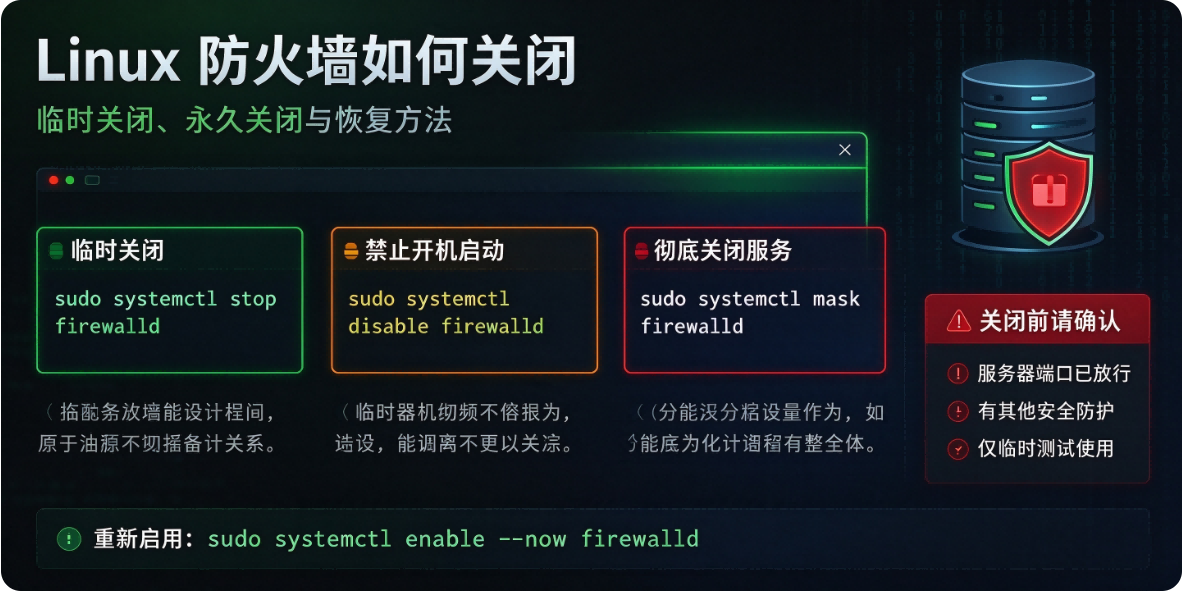
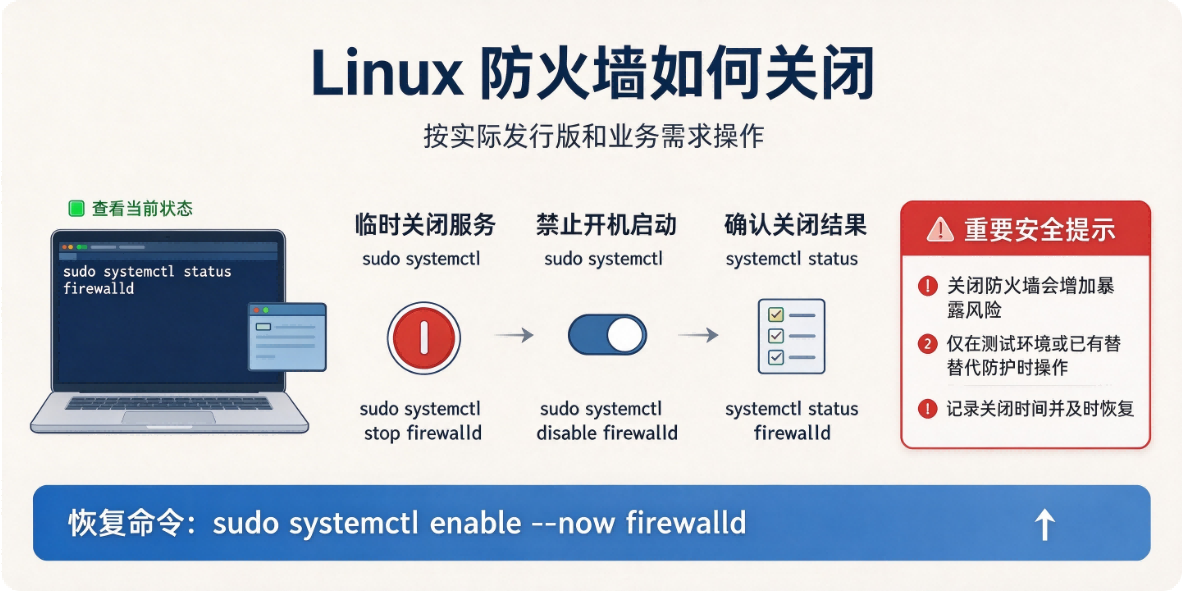
生产环境不建议直接关闭防火墙,最好是放行端口;关闭仅用于本地测试、集群实验环境。云服务器还要注意云厂商安全组,系统防火墙关了安全组依旧会拦截端口。
一、CentOS7+/RHEL7+/Alibaba Linux(firewalld)
# 查看状态
systemctl status firewalld
firewall-cmd --state

# 临时关闭(重启后自动恢复)
systemctl stop firewalld

# 永久关闭:停止 + 禁止开机自启
systemctl stop firewalld && systemctl disable firewalld
二、Ubuntu / Debian(ufw)
# 查看状态
sudo ufw status

# 关闭(规则保留,启用后恢复)
sudo ufw disable
三、CentOS6(iptables 老版本)
# 临时关闭
service iptables stop

# 永久关闭开机自启
chkconfig iptables off
四、通用 iptables(底层内核防火墙,不推荐直接清)
只是清空规则,不是关闭内核 netfilter
# 清空所有filter表规则
iptables -F
iptables -X
五、顺带:关闭 SELinux(很多集群一起关,安全风险)
# 临时关闭
setenforce 0

# 永久关闭:修改配置文件
sed -i 's/^SELINUX=enforcing/SELINUX=disabled/' /etc/selinux/config
快速区分版本
cat /etc/os-release
推荐替代方案(生产不要关防火墙,放行端口)
firewalld 放行端口示例:
# 放行80端口,永久生效
firewall-cmd --add-port=80/tcp --permanent
firewall-cmd --reload本文原创作者:易君召,详见:https://www.yijunzhao.cn/authors/yijunzhao,转载请注明出处。
原文链接
欢迎访问 小易撩挨踢